
01 · Pets

Your pet, on shift

A café counter or a pub bar. The video prompt does the whole clip from the photo you took. The photo prompt is a separate still, not a step toward the video.

Works best with
One pet, face large, coat and markings easy to see.
Skip it if
Two pets at once, a blurry phone grab, or a face half out of the frame.
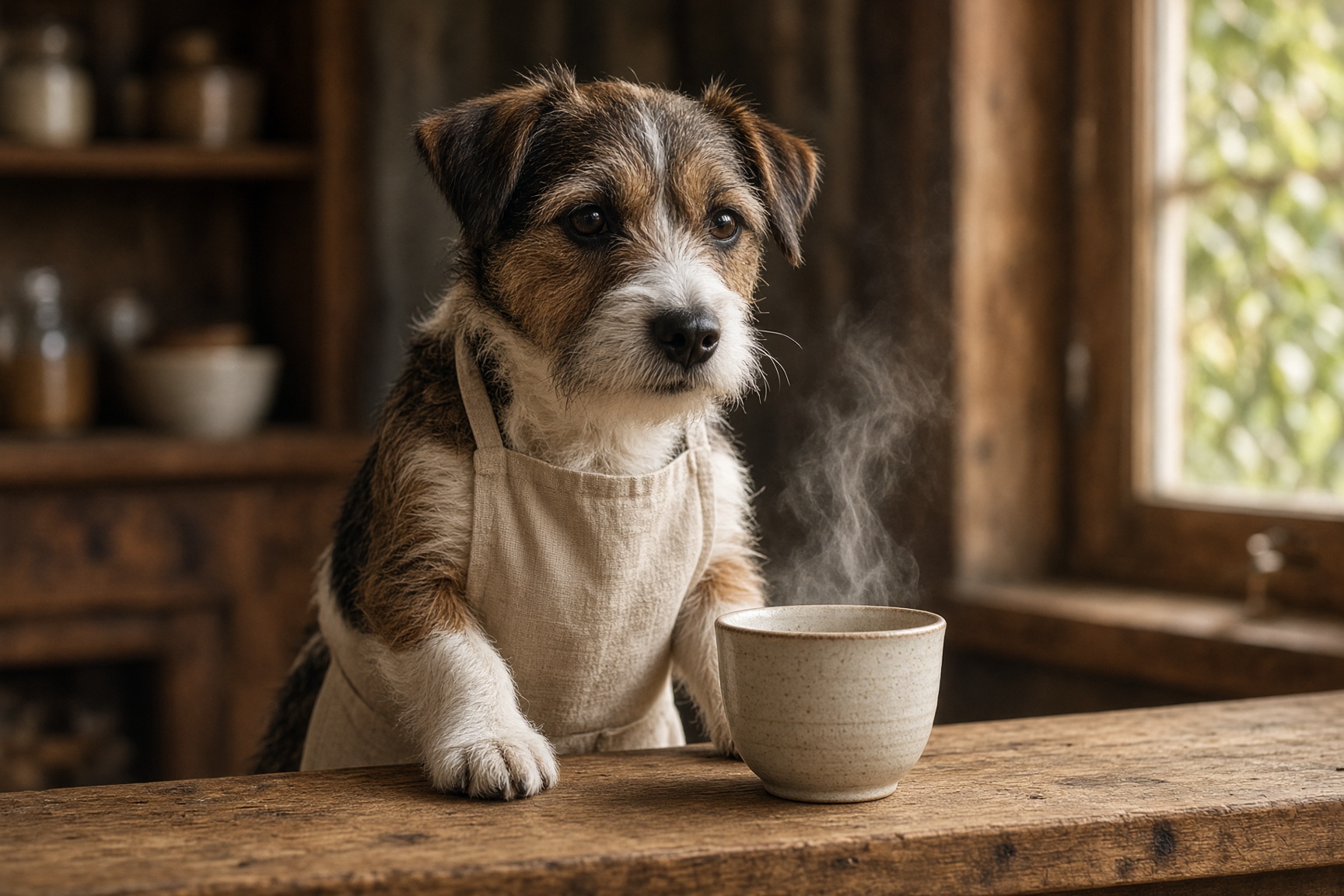
A terrier in a linen apron behind a café counter, steam rising from a cup
A stand-in still so you can see the idea. Generate yours from your own photo.

Photo check

Tick these before you spend a credit. They are the difference.

Pick one

A video box makes the clip. A photo box makes a still. Start each one from the photo you took. Do not save one and upload it into the other.

Barista

One video from the photo you took. The photo prompt is a separate still of the same idea.

Video

Upload the photo you took. Paste only these words.

  1. 1

    Open flow.google.com, sign in, and click + New project.

  2. 2

    In the prompt box, click the model name, then Video, then Ingredients.

  3. 3

    Click Add and upload the photo you took. Do not make a new picture first.

  4. 4

    Paste the video words. That one prompt is the whole clip.

  5. 5

    Set one output. Ingredients clips are often 8 seconds. Choose a vertical shape if you see it, then Generate.

Words for the video

Use the uploaded photo only to keep this pet’s face, coat and markings. A short clip of them behind a small café counter in a plain linen apron, warm window light, one cup with a little steam. They tilt their head and shift one paw. The camera slowly zooms in. Quiet espresso hiss, no speech, no people, no extra animals.

Photo

A separate still, from the same photo you took. Not used to make the video.

  1. 1

    Open flow.google.com, sign in, and click + New project.

  2. 2

    In the prompt box, click the model name, then Image.

  3. 3

    Click Add and upload the photo you took.

  4. 4

    Paste the photo words and click Generate. This picture is finished. It is not a step toward a video.

Words for the picture

Use the uploaded photo only to keep this pet’s face, coat and markings. A realistic photograph of them behind a small café counter in a plain linen apron, warm window light, one ceramic cup with a little steam. No text, no people, no extra animals.

Behind the bar

Same idea, warmer and darker. Video and photo are separate.

Video

Upload the photo you took. Paste only these words.

  1. 1

    Open flow.google.com, sign in, and click + New project.

  2. 2

    In the prompt box, click the model name, then Video, then Ingredients.

  3. 3

    Click Add and upload the photo you took. Do not make a new picture first.

  4. 4

    Paste the video words. That one prompt is the whole clip.

  5. 5

    Set one output. Ingredients clips are often 8 seconds. Choose a vertical shape if you see it, then Generate.

Words for the video

Use the uploaded photo only to keep this pet’s face, coat and markings. A short clip of them behind a wooden pub bar, warm pendant light, one pint glass on the bar. They glance once toward the glass. The camera slowly zooms in. Low room tone, no speech, no people, no extra animals.

Photo

A separate still, from the same photo you took. Not used to make the video.

  1. 1

    Open flow.google.com, sign in, and click + New project.

  2. 2

    In the prompt box, click the model name, then Image.

  3. 3

    Click Add and upload the photo you took.

  4. 4

    Paste the photo words and click Generate. This picture is finished. It is not a step toward a video.

Words for the picture

Use the uploaded photo only to keep this pet’s face, coat and markings. A realistic photograph of them behind a wooden pub bar, warm pendant light, one pint glass on the bar. No text, no people, no extra animals.

Caption, if you post it

Made this from a photo of my pet. The steps for Google Flow and Grok are on Flixuvo.

What will probably go wrong

  • Clips are short, usually around six seconds. This is not a scene with a plot.
  • Faces, paws, wheels and any lettering drift. A sharp photo and one small action help.
  • Putting a pet into a café will not keep a perfect likeness. Treat it as a joke, not a portrait.
  • Each generate spends credits. Make one clip, watch it, then decide.
  • Flow is not on every Google account or in every country. If you cannot open it, use Grok.